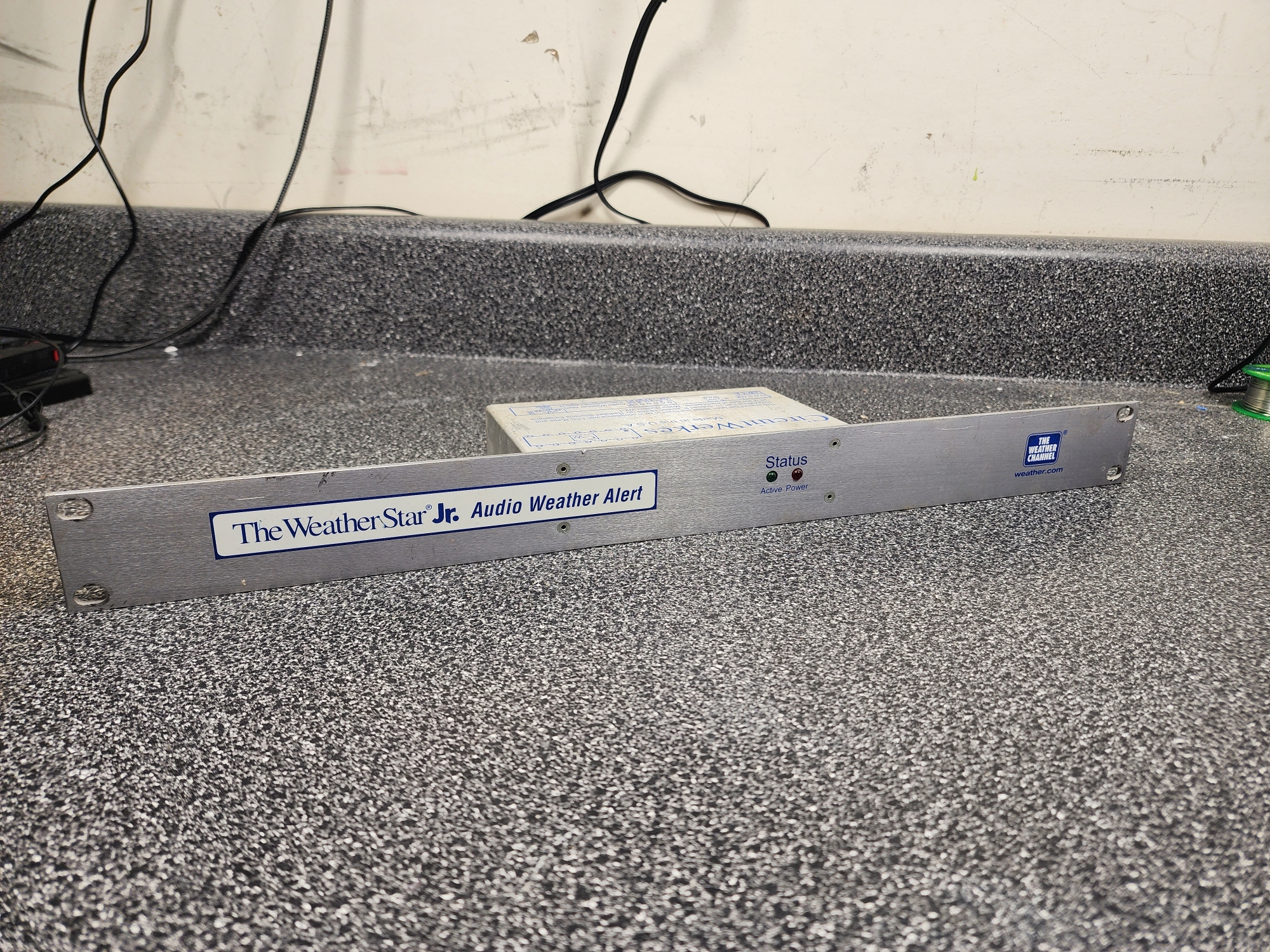
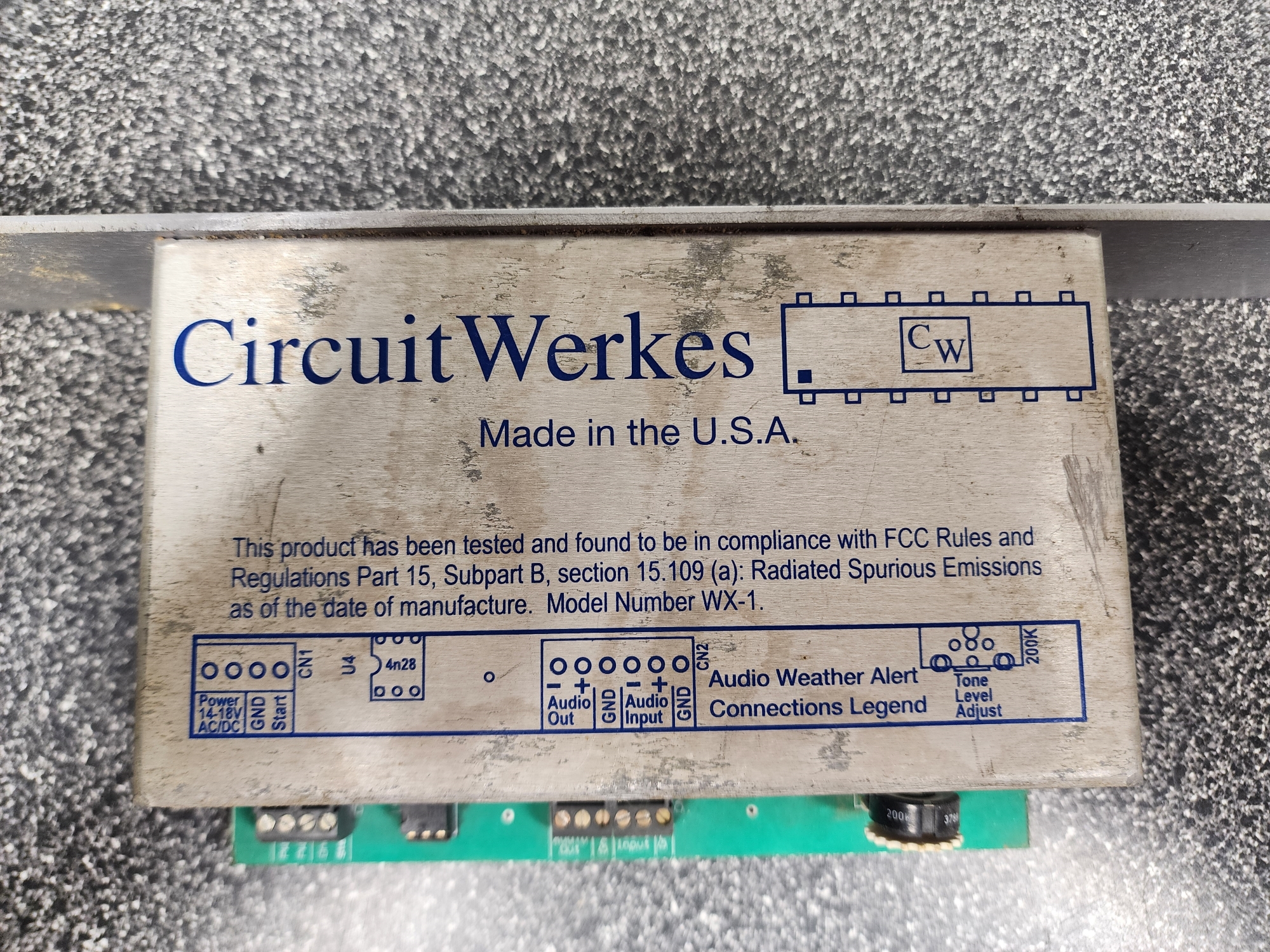
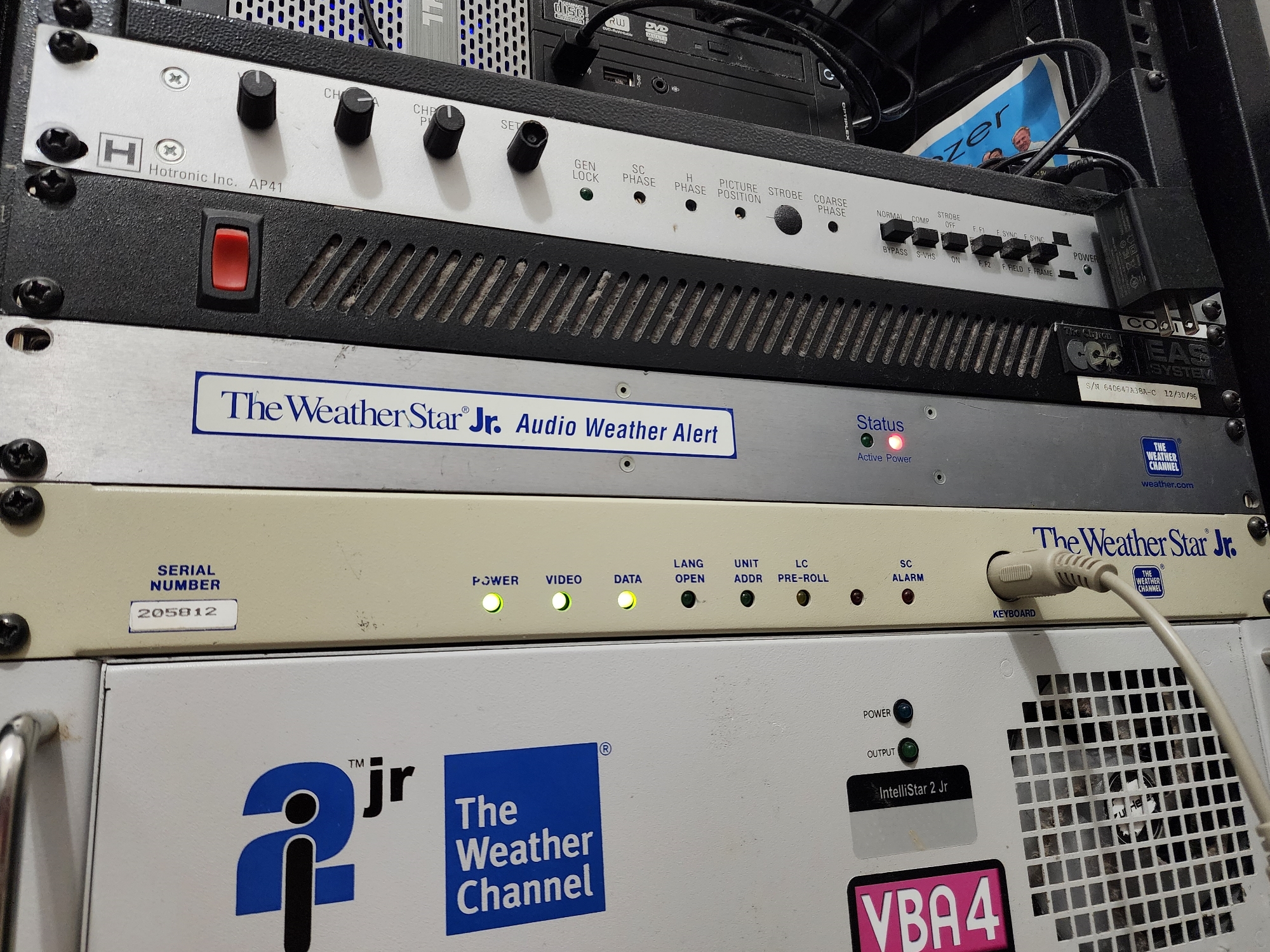
The WeatherStar Jr Audio Weather Alert (simply referred to as "Audio Alert" in this article) was a product distributed to cable headends free of charge by The Weather Channel in response to the FCC releasing a ruling on August 7th, 2000 known as the "Video Description Report and Order." This ruling required that any critical emergency information in a crawl or scroll format must be accompanied by an audible tone in order to provide accessibility for the visually impaired. As many fans of the Weather Star systems might already know, the Weather Star Jr did not have a system for generating an audible alert tone itself. Thus, the Audio Alert was born. (Source)
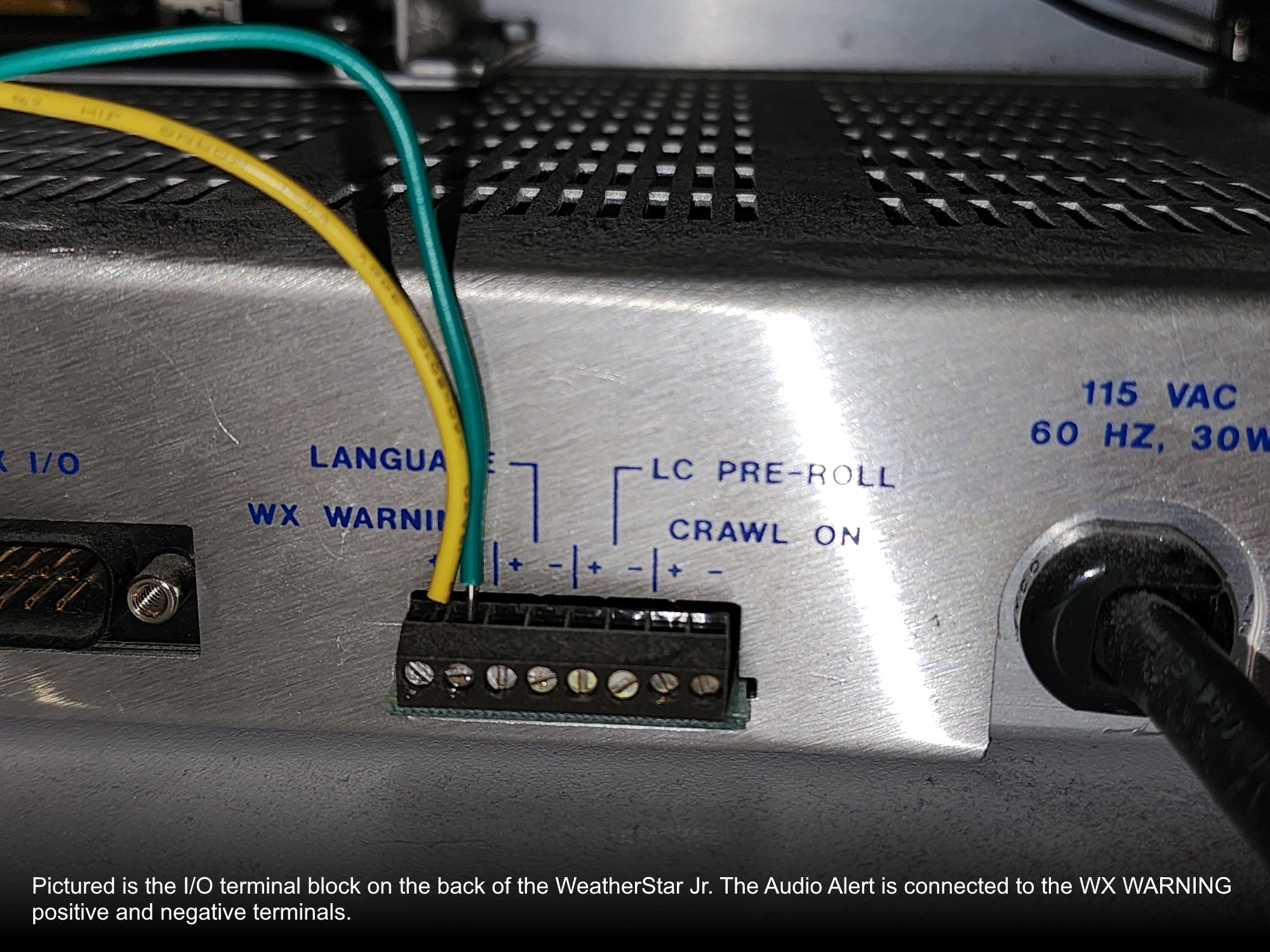
There's not much to talk about here, but it's definitely an agitatingly nifty piece of tech that tied into the Weather Star Jr (and potentially the Weather Star III, though specific examples are not yet evident). As mentioned previously, the Weather Star Jr did not have internal alert beep generation of any kind. However, even with this lack of a feature, Wegener Communications still had some sort of intention for an external notification during a weather scroll. As you'll see in photo #7, Wegener added an accessible I/O terminal block which provided contact closure via solid state relays for specific states of the Weather Star Jr. One of these states, labeled "WX WARNING" above the first two terminals, closes during an active alert text scroll, and stays closed until the scroll is no longer present on the video output.
It's unclear what exactly this was intended for aside from "external warning equipment" as noted by the installation manual. Regardless, this feature ended up being what TWC would rely on to provide compliance for those lower-budget cable systems who were equipped with Weather Star Jr units.
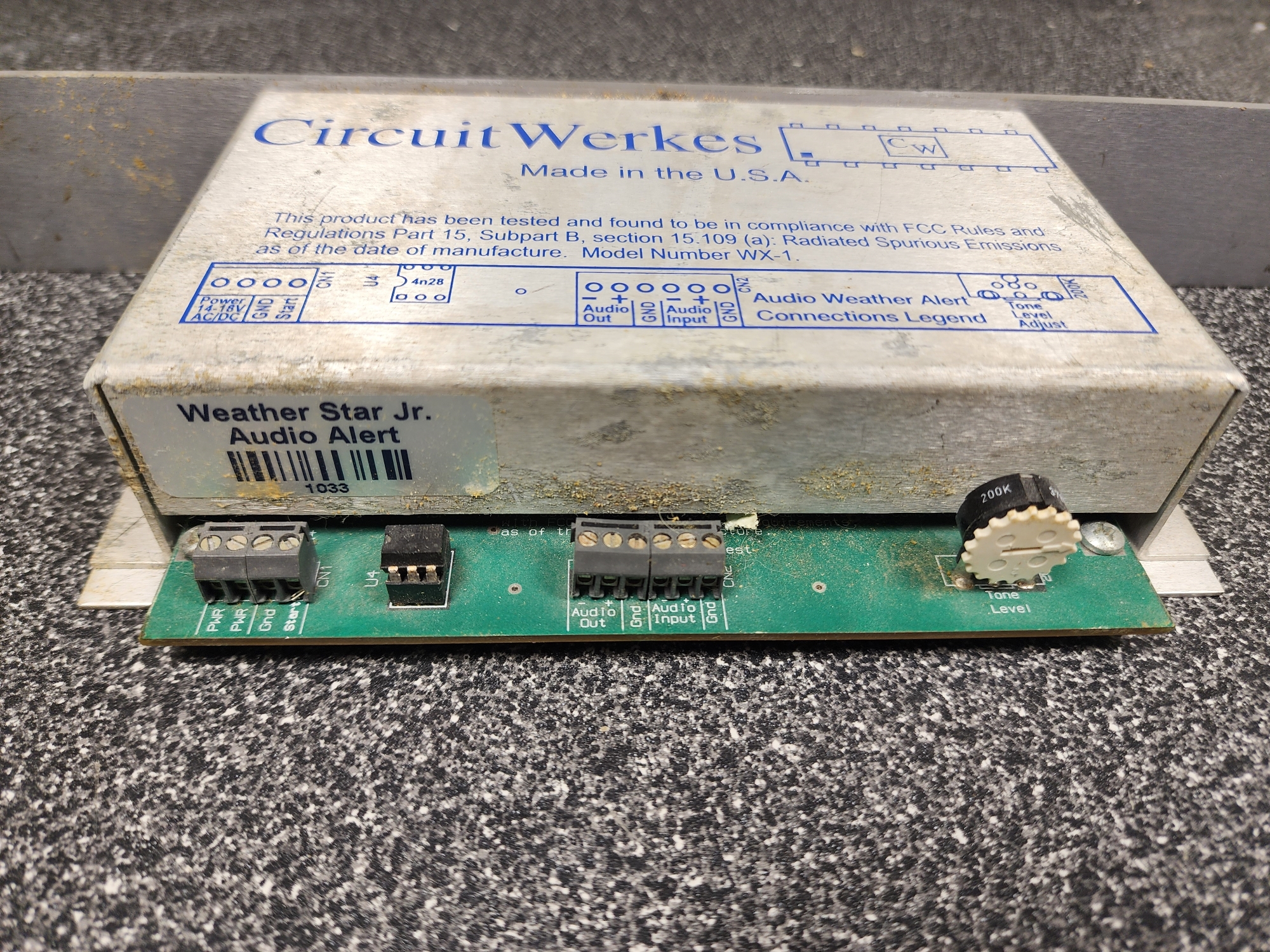
Note, as well, that The Weather Channel commissioned CircuitWerkes to manufacture (and design?) the Audio Alert, eating the cost in order to supply all of their headedends with the tech to make it compliant. There's a good chance that CircuitWerkes was willing to do this as a competitive price. There's still around today and seem to manufacture a lot of products relating to audio.
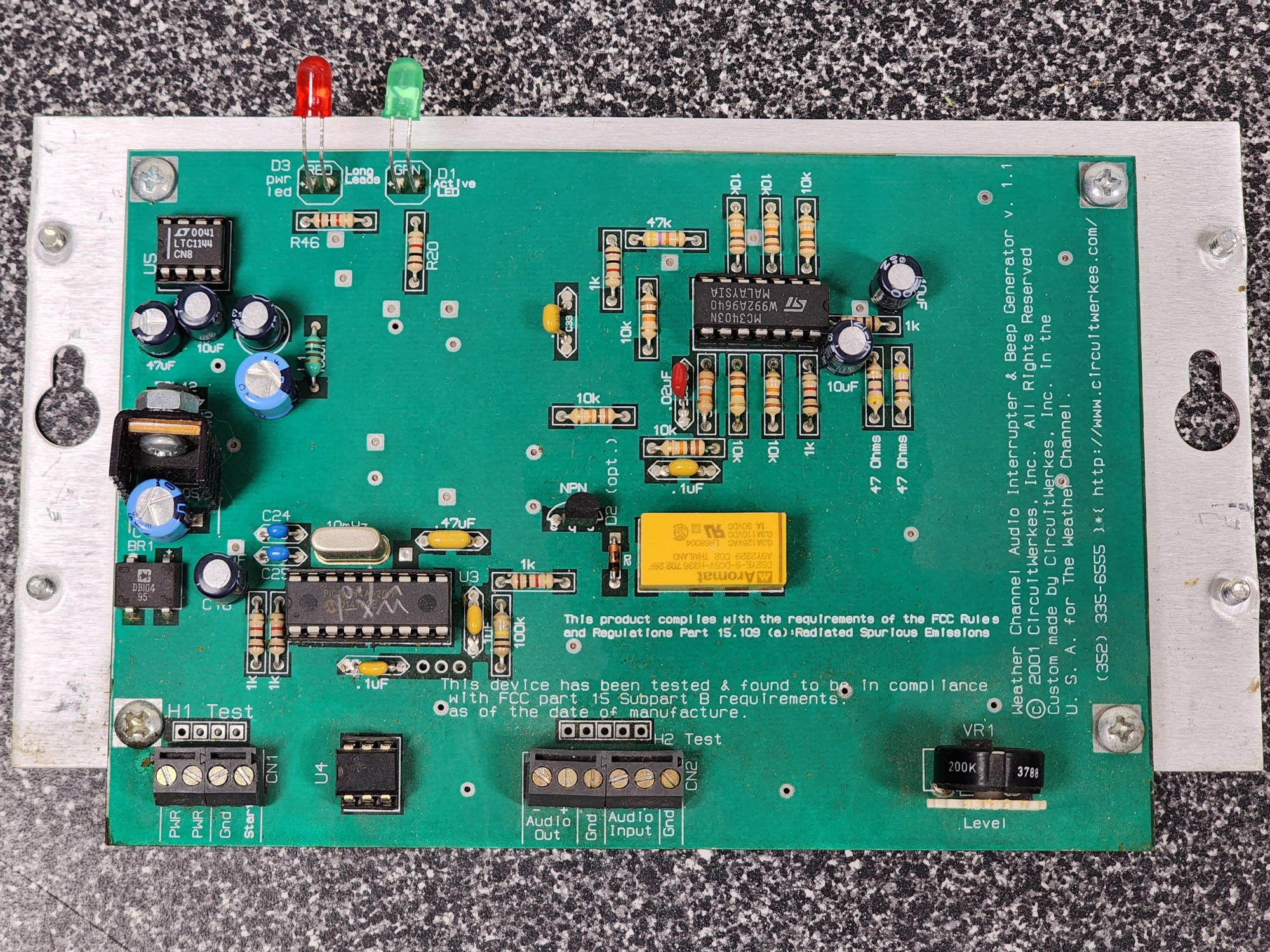
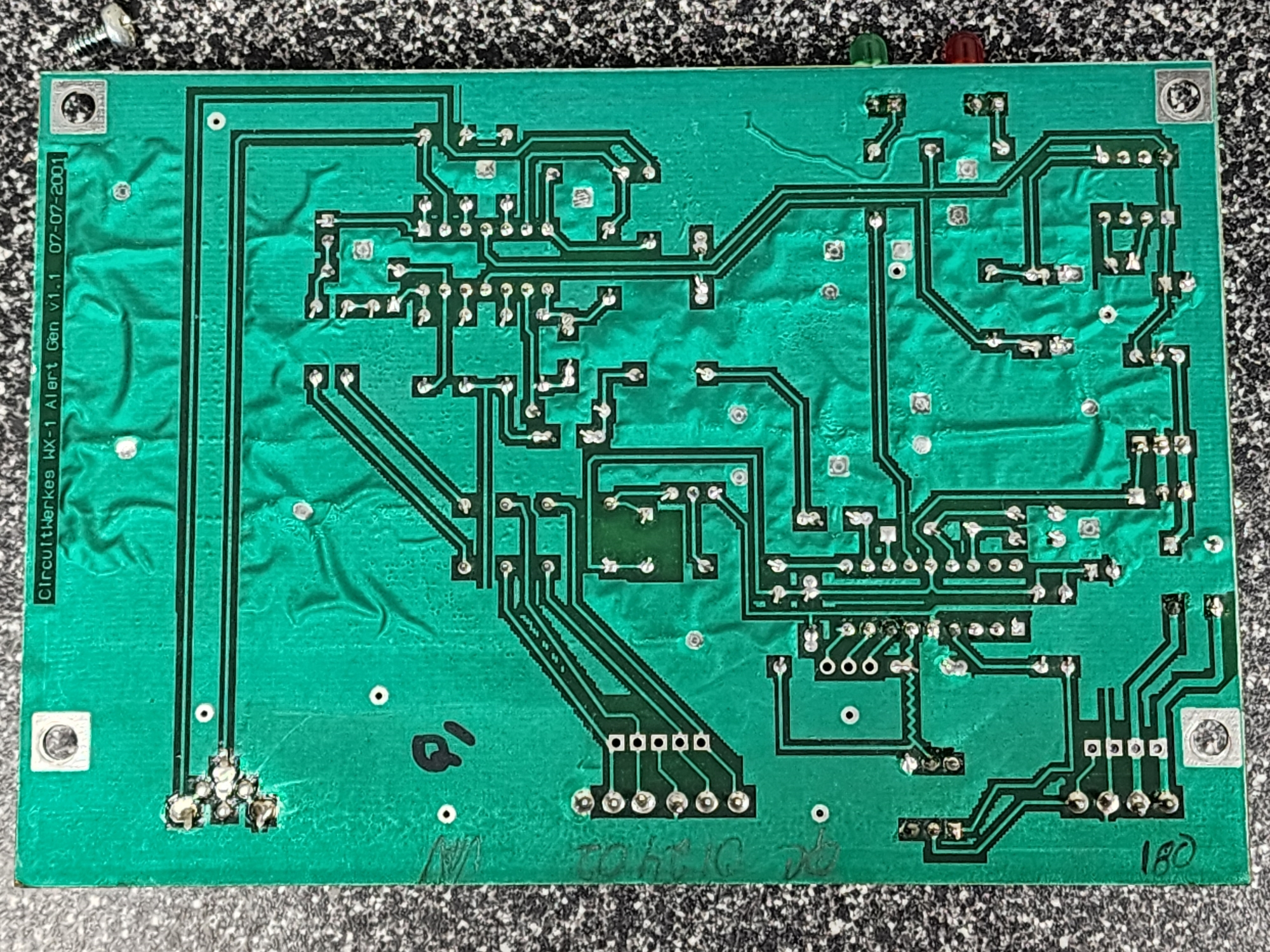
To the electrically enthused, the structure of the Audio Alert PCB is overall very basic. However, that's a brave statement coming from somebody who doesn't understand WTF I'm looking at except for a handful of capacitors, resistors, a relay, a crystal oscillator, a potentiometer, and some socketed chips. I'm sure if I had a better understanding of it I could replicate the PCB in some CAD software for preservation. Be my guest!
Okay, but from what I do understand, this board relies on a programmable 8-bit microcontroller (PIC16F84A-20/P in U3) which contains the logic to split the 1KHz beep tone into three beeps. I tried to do some brief investigation on how I could dump this, but it's not just something I can read as easy an EEPROM. From what I gathered, dumping the programmed logic requires some sort of special tool, something like a "PICkit," whatever that is. The little text you see written on there says "WX-1 V 1.0" which is a bit contradictory considering the actual written text on the PCB says V. 1.1. Either way, I'd love to figure out what that little chip has stored on it so it can be preserved, but it probably isn't too hard to replicate either.
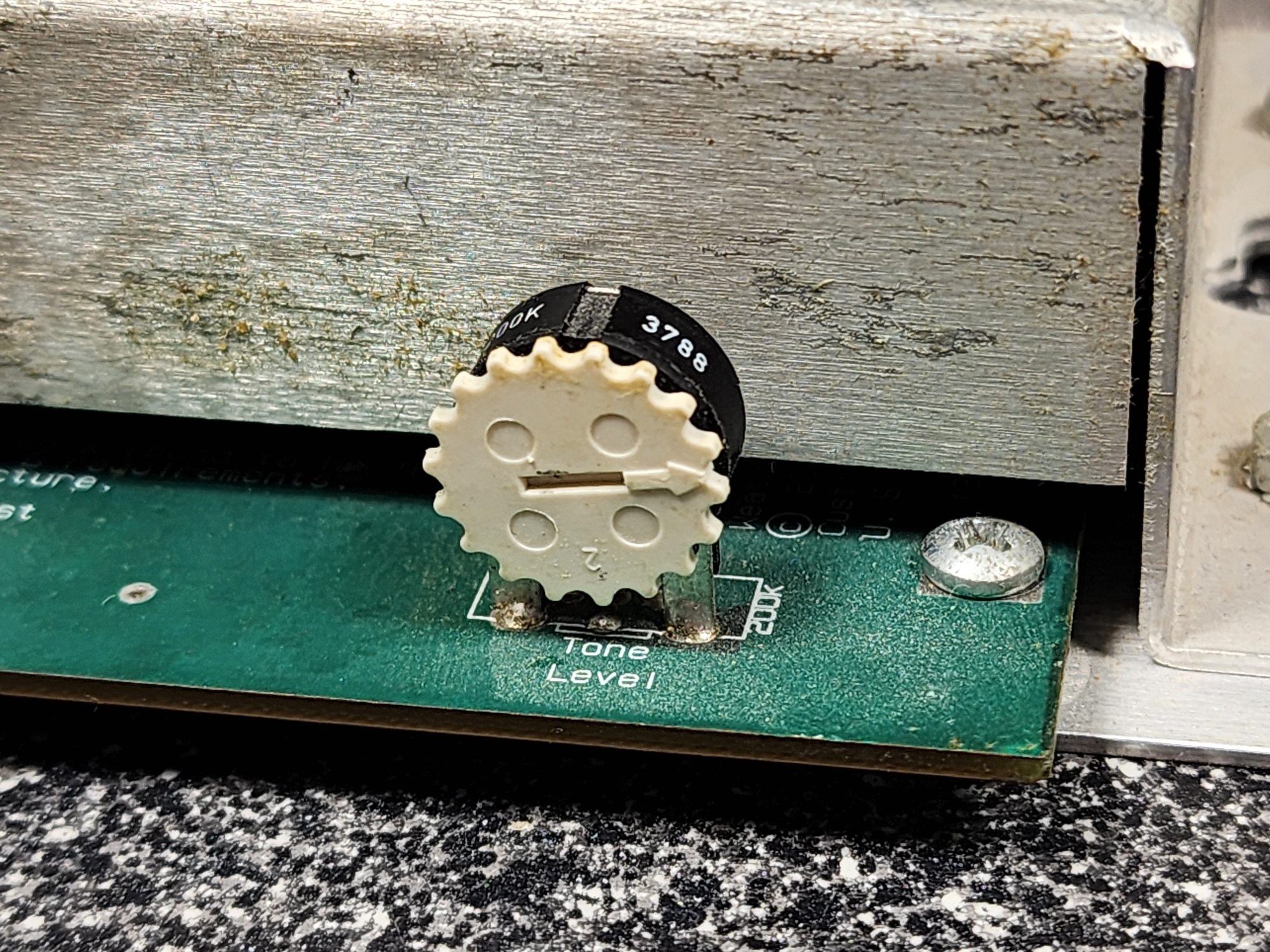
The potentiometer does the obvious. It controls the volume level of the 1KHz beep tone.
Take a look at CN1, the first terminal block on the bottom left of the PCB. It's got four terminals, the two on the right are what actually hook into the Weather Star Jr. The "Start" terminal goes to positive on the WX WARNING block, and then ground goes to negative. That's it. That's the way they "communicate" with each other. Some seriously analog stuff but it gets the job done, plus, they likely never intended for the WX WARNING closure to be leaned on for something like this. Now, pay attention to the first two terminals on the left of that CN1 block. Do you see a plus or minus sign anywhere? No. You don't. Wanna know why? BECAUSE THE WHOLE THING IS AN A.C. CIRCUIT!!! Congratulations, you know now my biggest gripe with this thing: it's powered by an 18VAC adapter. As if D.C. circuits weren't already stressful enough for me to understand, this entire thing is built to operate under alternating current so any sort of logic that my brain can wrap my head around through traditional "thingy enter, thingy leave" no longer applies.
There is a terminal block (CN2) for the audio input and output which is overridden by the relay whenever the scroll becames active. When active, the relay holds for 3 beeps and then opens back up to allow audio to pass through from the input again. The terminal block seemingly has inputs for both unbalanced and balanced audio, however I have only ever configured it to use unbalanced audio using the positive and negative terminals on both ends. In theory, you could run stereo thorugh the Audio Alert if you use positive, negative, and ground in the appropriate places. I'll get around to testing this... eventually.
I'm sure some of you just want to know what it sounds like rather than read more of a text wall regarding a device that serves one and only one purpose: to beep when prompted. We get it!
Okay, here's a video. And here's another video that features a real bulletin text.
This is legitimately just a box that beeps. It is a beeper, an 18VAC one at that. I believe I paid a former friend $200 for this unit and do I regret it? No, not really. It's a cool collectors item, but if I had a replacement that was more compact and fit into something like the existing data encoder, I'd absolutely be using that instead of this thing. The Audio Alert itself is very much wasteful of rack space.
Something I'd like to do in the future is create a better solution, one that could fit into a rack chassis or perhaps even the original enclosure. I'd build a new circuit from scratch that was entirely D.C. and powered by USB-C. Something serving such a simple purpose doesn't need to take up an outlet on my rack's PDU.
If you've got ideas or knowledge, I'd love to work with you on a project like that! It'd be fun. I'm extremely stupid when it comes to circuits, I know basic D.C. and a little bit of components but I could not, for the life for me, tell you why the things on a circuit board are there aside from the thing they were meant to do (i.e. relays, those are obvious). Hit me up!
Anyway, hope you enjoyed this little write-up, the entries have been a bit vacant so here's something to spice it up.